I’ve been at it for nearly 6 months with my personal reading journal project. I think I’ve finally got a format that I like!
Naturally, I do variations on this form based on what I actually feel like writing out for that particular book. But I wanted to share the basic format with you in case this helps with your own journaling habits!


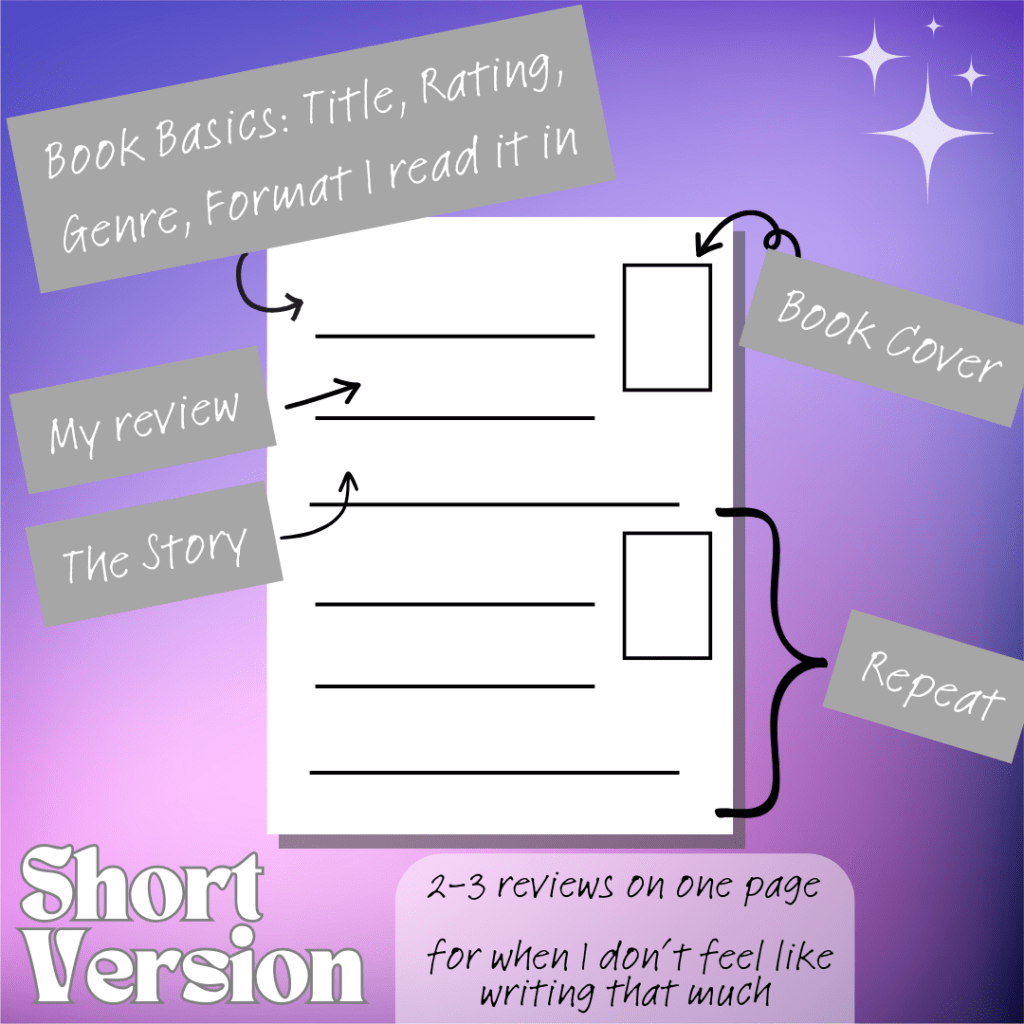

Here is a Canva template link for my basic format. Please use ethically and do not use to resell!
Instructions if you’re new to Canva or not quite sure about some of the features:
- To fill in the stars for ratings, click on one star at a time. Then go to the formatting bar, click on the rainbow swirl tile, and choose a color that you would like to fill in. Fill in stars until you’ve achieved your preferred rating.
- The icons next to the stars are to show the format in which you read the book. Choose the appropriate one and delete the others.
- The rectangle frame is for you to drop in your book’s cover. You need to find the book cover on Google, save it, then upload it to Canva (my computer lets me copy/paste straight from Google, so you can try that too). Drag and drop the image into the rectangle and it should fit perfectly!
- Feel free to play around with font sizes and margins! I usually set narrower margins because I want to write more, but I set these as close to 1in margins as possible so that they’d be easier to print for you.

Let me know how it goes! Happy journaling!
 NLD x Swapna
One thought on “My Reading Journal Format, Including a Free Canva Template!”